Skip to content
View in the app

A better way to browse. Learn more.

Tuts 4 You

A full-screen app on your home screen with push notifications, badges and more.

To install this app on iOS and iPadOS
  1. Tap the Share icon in Safari
  2. Scroll the menu and tap Add to Home Screen.
  3. Tap Add in the top-right corner.
To install this app on Android
  1. Tap the 3-dot menu (⋮) in the top-right corner of the browser.
  2. Tap Add to Home screen or Install app.
  3. Confirm by tapping Install.

Ultimate Patching Program (uPPP)

300 files

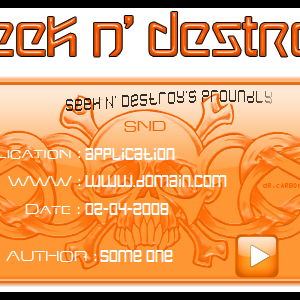
  1. My 1st uPPP skin!
    • 420 Downloads
    dR.cARBOn
    dR.cARBOn
    Updated
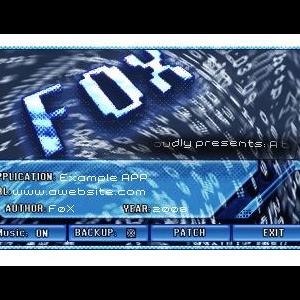
  2. Like I said I'm back took me a while to figure everything out with
    uppp but now it's as easy as dup again I really love the PNG use
    not that is was really needed for this skin, but the idea thanks
    again UFO, your app is working like a charm.

    Well, give me some comments and of course critics
    and ehm, I just hope to get some reactions


    more be coming soon ! :happy:


    F0X
    • 308 Downloads
    F0X
    F0X
    Updated
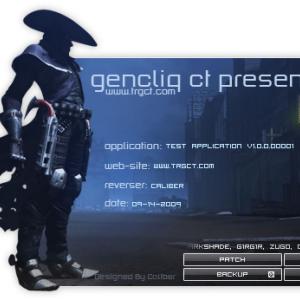
  3. GencliQ CT Presents

    Powered By Caliber
    • 311 Downloads
    Caliber.
    Caliber.
    Updated
  4. GencliQ CT Presents

    Powered By Caliber

    Special thanks to zugo!GencliQ CT Presents

    Powered By Caliber

    Special thanks to zugo
    • 467 Downloads
    Caliber.
    Caliber.
    Updated
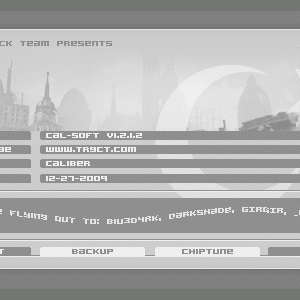
  5. Created by Caliber
    Special thanks to zugo!
    • 185 Downloads
    Caliber.
    Caliber.
    Updated
  6. Created by Caliber
    Special thanks to zugo!
    • 290 Downloads
    Caliber.
    Caliber.
    Updated
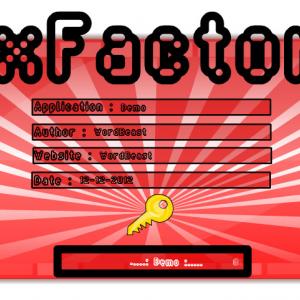
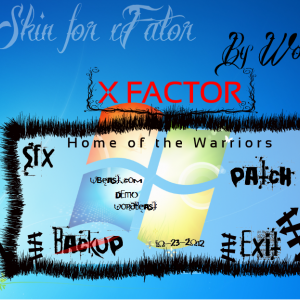
  7. NEW SKIN FOR xFACTOR !!!!!!!
    • 109 Downloads
    King
    King
    Submitted
  8. this all #01 - #10 uPPP skin all made for join a contest.all long night had been spend, no team or group for this work only my self for make it and all skin I'm post to download area hope you all like it and make a change your mind on my skin at polling three up skin can be choice to be winner and thankyou.

    best regard

    Vi2DoubleYu
    • 398 Downloads
    Vi2DoubleYu
    Vi2DoubleYu
    Updated
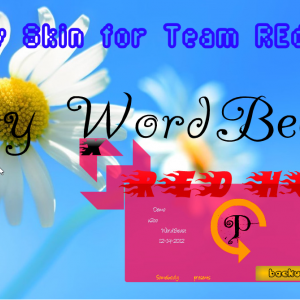
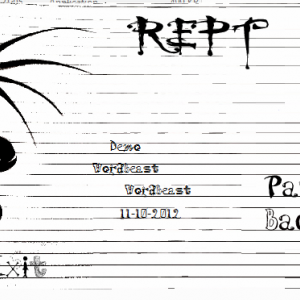
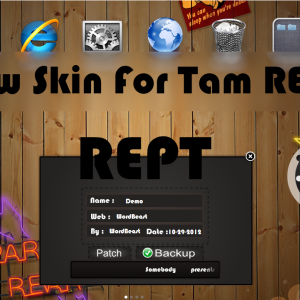
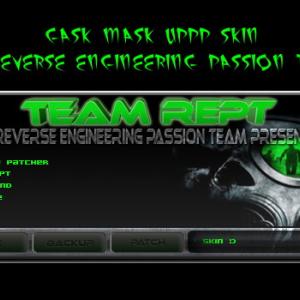
  9. Team REPT A new skin for u
    • 123 Downloads
    King
    King
    Submitted
  10. hi
    IP4U I have made the skin you want hope you like it


    • 114 Downloads
    King
    King
    Submitted
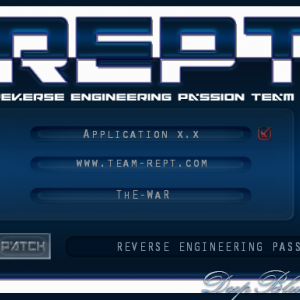
  11. A Simple Blue uPPP Skin For REPT Team
    Enjoy !
    • 101 Downloads
    ThE-WaR
    ThE-WaR
    Submitted
  12. Uppp Skin For Genocide .. pandagrind/REPT
    • 137 Downloads
    pandagrind
    pandagrind
    Submitted
  13. Hi
    This is my new skin
    & hope you like the dragon i have made
    • 98 Downloads
    King
    King
    Submitted
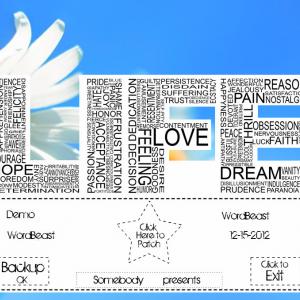
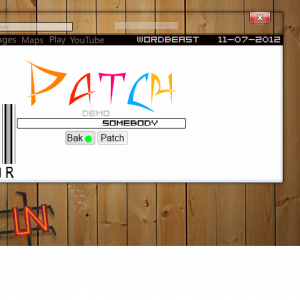
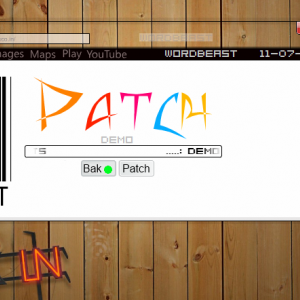
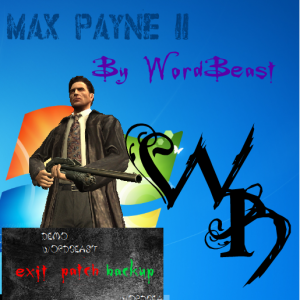
  14. New Skin!!!!!!!!!!

    Visit my new Website http://www.wordbeast.in online from 10/11/12
    • 96 Downloads
    King
    King
    Submitted
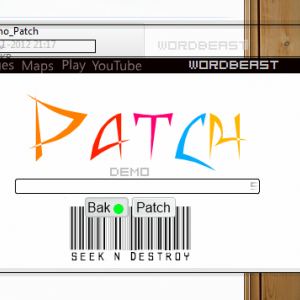
  15. New Skin!!!!!!!!!!

    Visit my new Website http://www.wordbeast.in online from 10/11/12
    • 100 Downloads
    King
    King
    Submitted
  16. New Skin!!!!!!!!!!

    Visit my new Website http://www.wordbeast.in online from 10/11/12
    • 70 Downloads
    King
    King
    Submitted
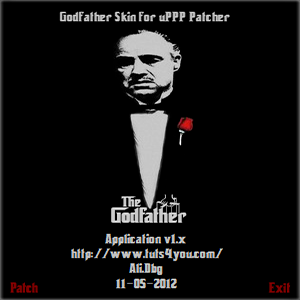
  17. The Godfather Skin for uPPP
    • 120 Downloads
    Ali.Dbg
    Ali.Dbg
    Submitted
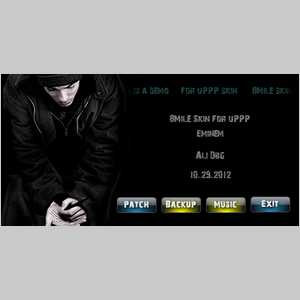
  18. 8Mile Skin for uPPP
    • 157 Downloads
    Ali.Dbg
    Ali.Dbg
    Updated
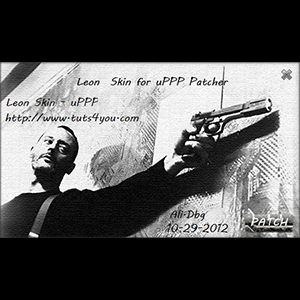
  19. Leon Skin for uPPP v0.8
    • 83 Downloads
    Ali.Dbg
    Ali.Dbg
    Updated
  20. Pars Skin for uPPP
    • 168 Downloads
    Ali.Dbg
    Ali.Dbg
    Submitted
  21. New skin for team REPT
    • 167 Downloads
    King
    King
    Submitted
  22. New ! Skin !!!!!!!!!

    Hope yo will like
    • 77 Downloads
    King
    King
    Submitted
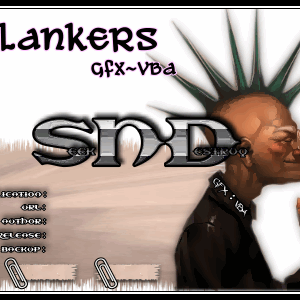
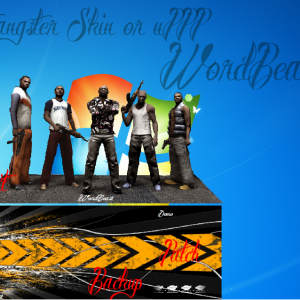
  23. NEW GANG LOOK
    • 135 Downloads
    King
    King
    Submitted
  24. Team xFactor its 4 u
    • 331 Downloads
    King
    King
    Submitted
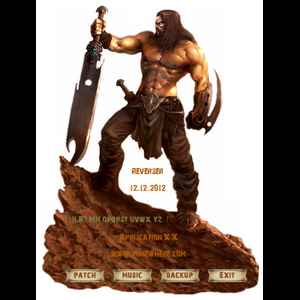
  25. Only simple uppp skin .. The Reverse Engineering Passion Team .
    • 75 Downloads
    pandagrind
    pandagrind
    Submitted

Download Statistics

Account

Navigation

Search

Search

Configure browser push notifications

Chrome (Android)
  1. Tap the lock icon next to the address bar.
  2. Tap Permissions → Notifications.
  3. Adjust your preference.
Chrome (Desktop)
  1. Click the padlock icon in the address bar.
  2. Select Site settings.
  3. Find Notifications and adjust your preference.