
Skip to content
View in the app

A better way to browse. Learn more.

Tuts 4 You

A full-screen app on your home screen with push notifications, badges and more.

To install this app on iOS and iPadOS
  1. Tap the Share icon in Safari
  2. Scroll the menu and tap Add to Home Screen.
  3. Tap Add in the top-right corner.
To install this app on Android
  1. Tap the 3-dot menu (⋮) in the top-right corner of the browser.
  2. Tap Add to Home screen or Install app.
  3. Confirm by tapping Install.

DriverMonitor Enhanced Edition (Alpha) Alpha

2 Screenshots

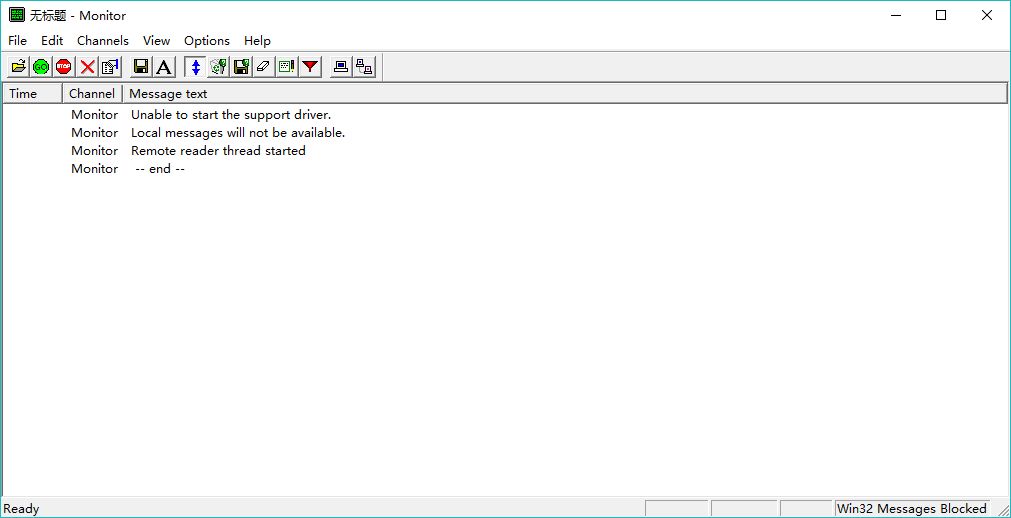
DriverMonitor is an old tool that has been released for over 20 years. I am accustomed to using this app to load some Windows drivers...

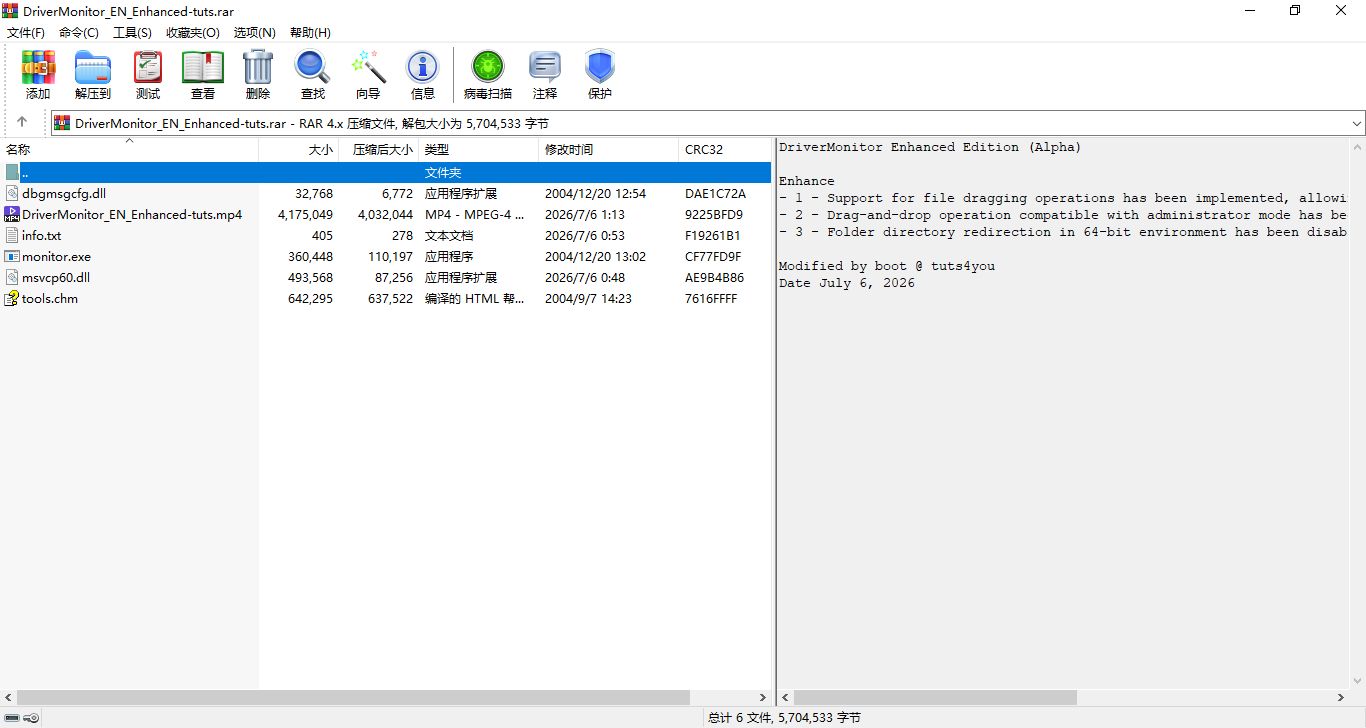
DriverMonitor Enhanced Edition (Alpha)

Enhance

- 1 - Support for file dragging operations has been implemented, allowing direct setting of the path for the corresponding driver file.

- 2 - Drag-and-drop operation compatible with administrator mode has been implemented.

- 3 - Folder directory redirection in 64-bit environment has been disabled.

Modified by boot @ tuts4you

Date July 6, 2026

User Feedback

Recommended Comments

There are no comments to display.

Create an account or sign in to comment

Account

Navigation

Search

Search

Configure browser push notifications

Chrome (Android)
  1. Tap the lock icon next to the address bar.
  2. Tap Permissions → Notifications.
  3. Adjust your preference.
Chrome (Desktop)
  1. Click the padlock icon in the address bar.
  2. Select Site settings.
  3. Find Notifications and adjust your preference.