
Skip to content
View in the app

A better way to browse. Learn more.

Tuts 4 You

A full-screen app on your home screen with push notifications, badges and more.

To install this app on iOS and iPadOS
  1. Tap the Share icon in Safari
  2. Scroll the menu and tap Add to Home Screen.
  3. Tap Add in the top-right corner.
To install this app on Android
  1. Tap the 3-dot menu (⋮) in the top-right corner of the browser.
  2. Tap Add to Home screen or Install app.
  3. Confirm by tapping Install.

The Enigma Protector v8.0 (DEMO)

2 Screenshots

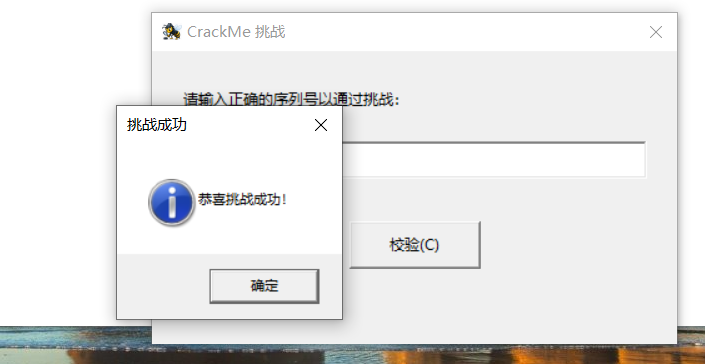
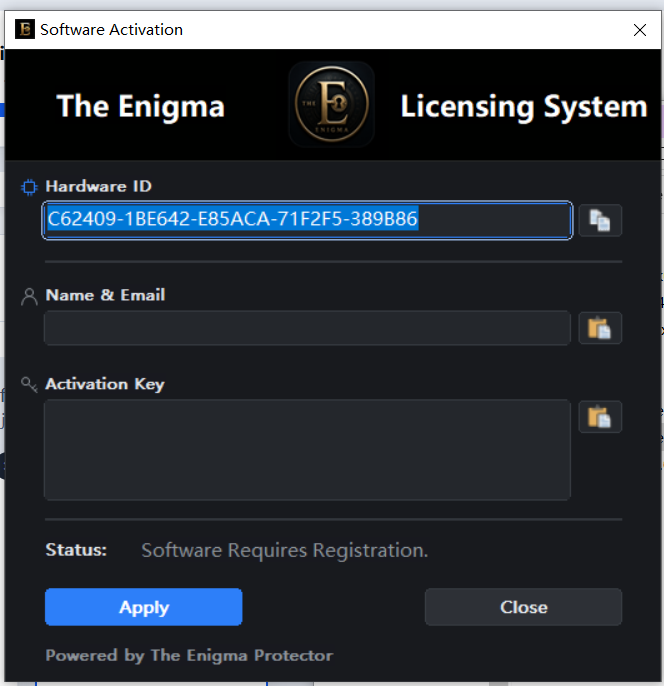
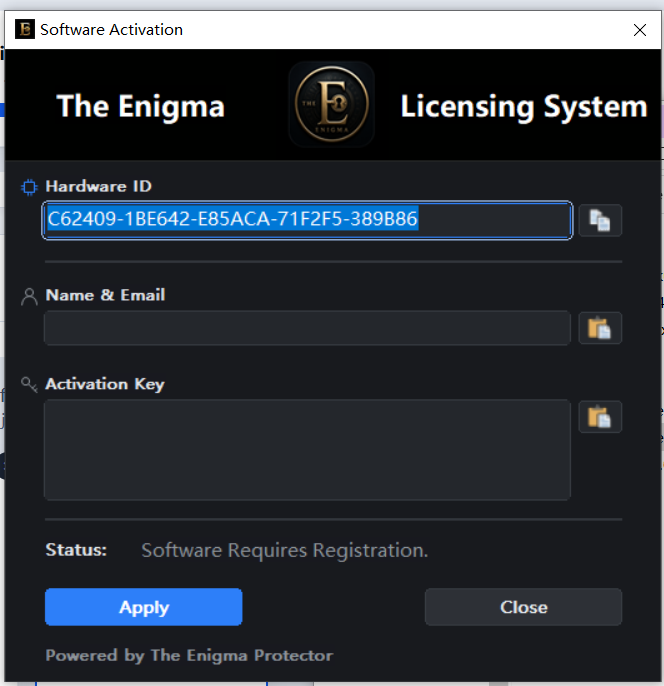
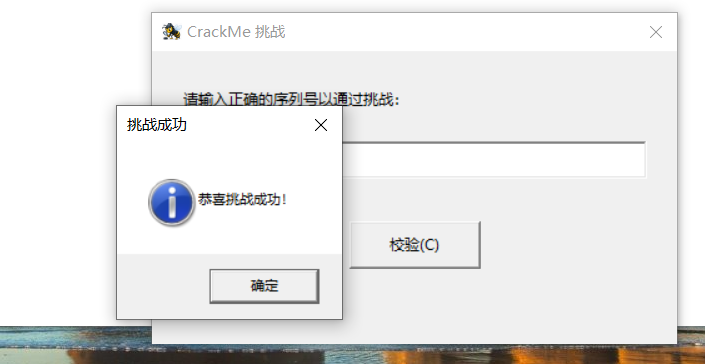
I have created a packing example for The Enigma 8.0 for everyone. Please try to break through it using your techniques. You can unpack it, patch HWID, or bypass it. There's no need to share your hard-earned private techniques in this post—if you manage to crack it, just send me a screenshot so I can see it. I will then discover that there are still loopholes in my logic. The registration information has been included in the compressed package.
22.png

2.png

The Enigma 8.0 Protector_DEMO.rar

Edited by lengyue
Update AntiPatchHWID

What's New in Version 11/16/2026 02:40 PM

Released

No changelog available for this version.

User Feedback

Recommended Comments

There are no comments to display.

Account

Navigation

Search

Search

Configure browser push notifications

Chrome (Android)
  1. Tap the lock icon next to the address bar.
  2. Tap Permissions → Notifications.
  3. Adjust your preference.
Chrome (Desktop)
  1. Click the padlock icon in the address bar.
  2. Select Site settings.
  3. Find Notifications and adjust your preference.