
Skip to content
View in the app

A better way to browse. Learn more.

Tuts 4 You

A full-screen app on your home screen with push notifications, badges and more.

To install this app on iOS and iPadOS
  1. Tap the Share icon in Safari
  2. Scroll the menu and tap Add to Home Screen.
  3. Tap Add in the top-right corner.
To install this app on Android
  1. Tap the 3-dot menu (⋮) in the top-right corner of the browser.
  2. Tap Add to Home screen or Install app.
  3. Confirm by tapping Install.

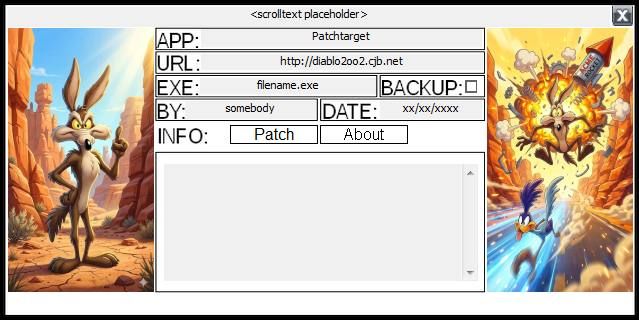
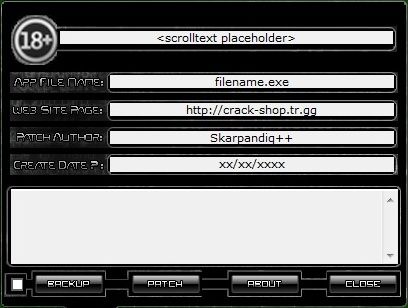
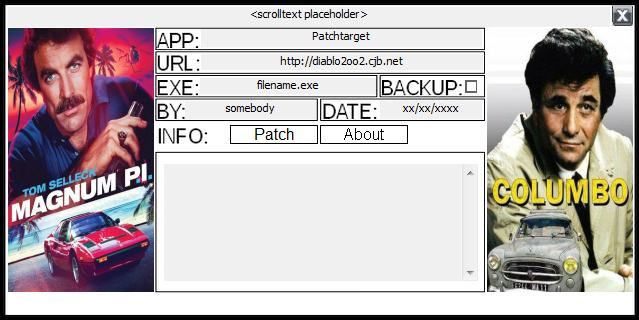
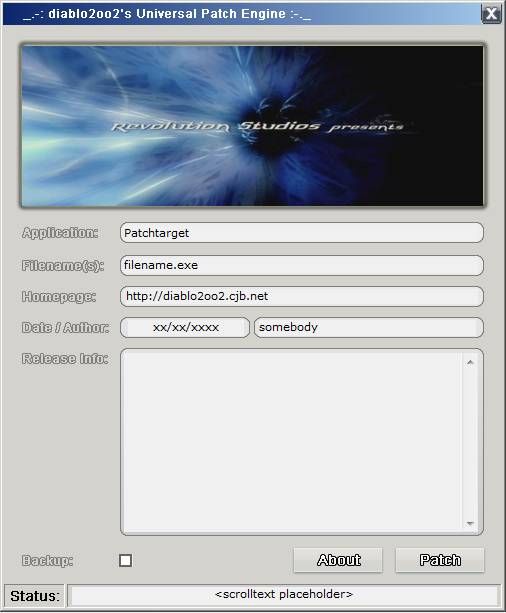
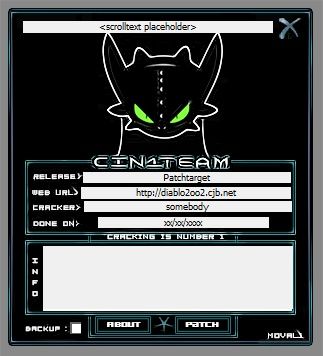
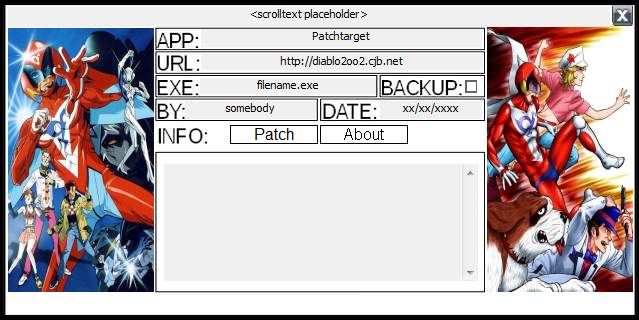
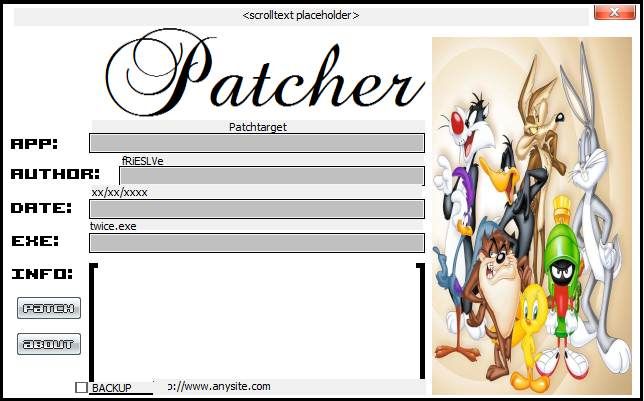
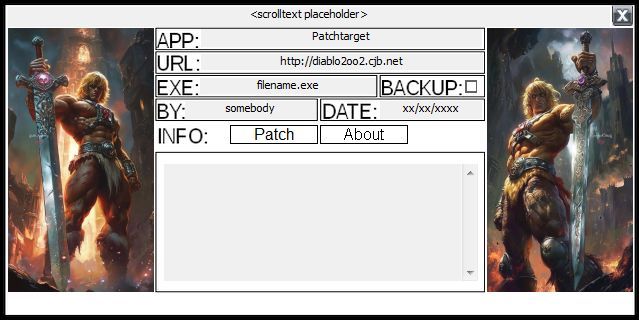
Cartoon Diablo Universal Patcher (DUP2) Skin Pack V1.4 46+6

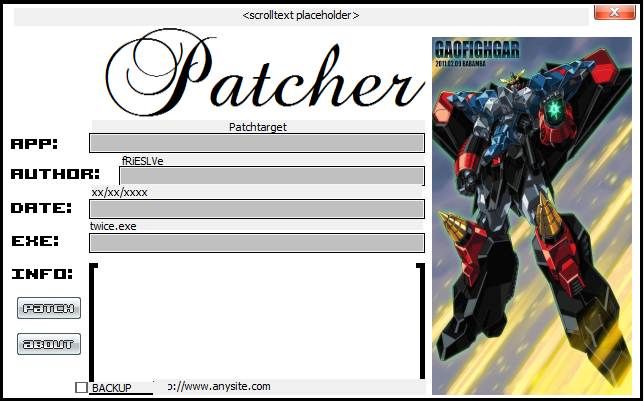
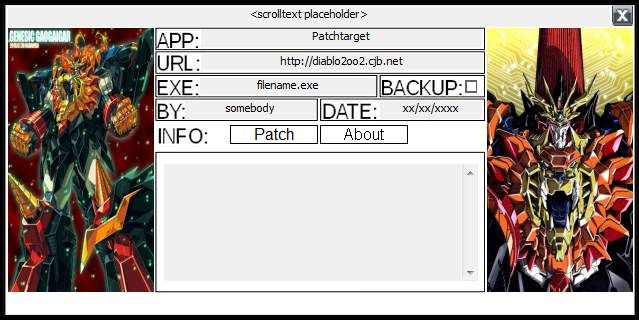
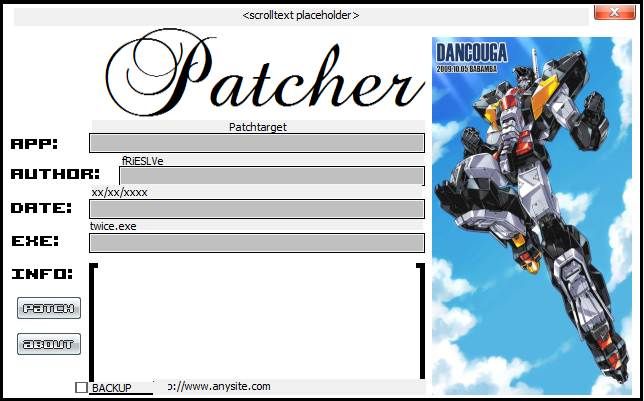
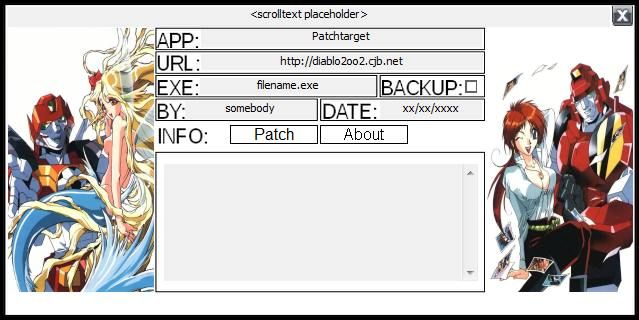
16 Screenshots

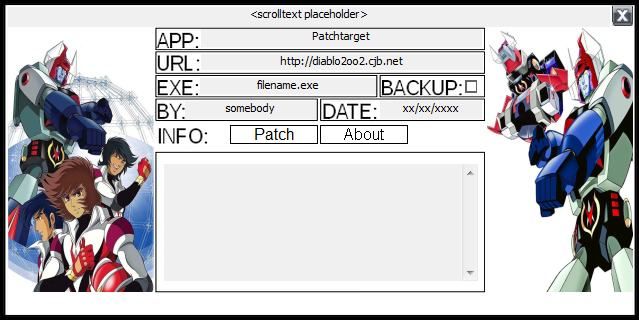
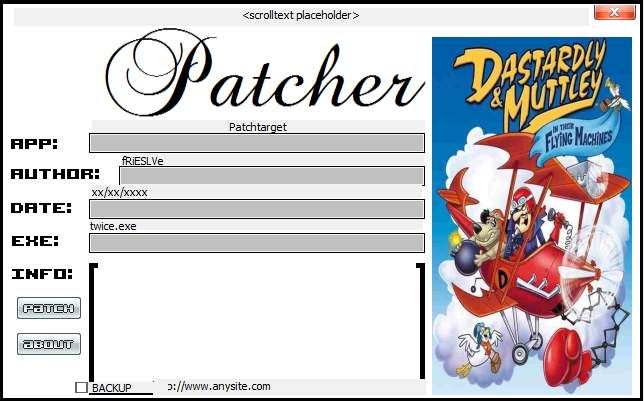
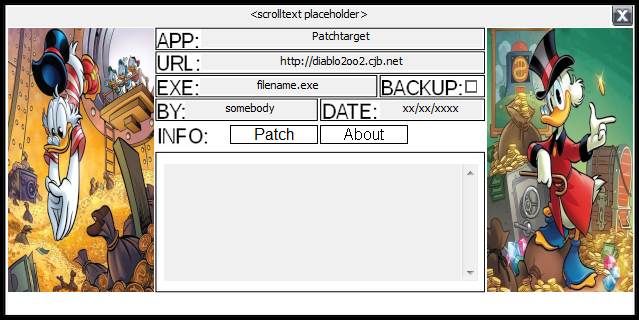
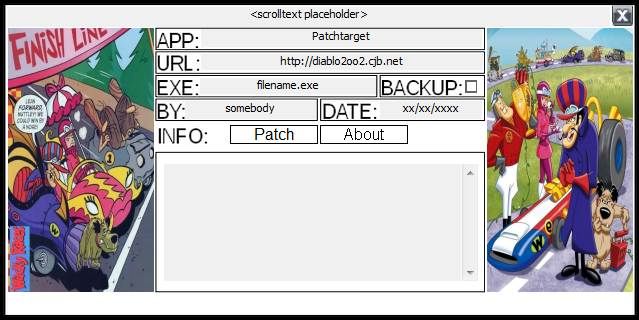
Cartoon Diablo Universal Patcher Skin Pack V1.4 has 46+6 skins:

Baldios, Calendarman, Captain Harlock, Combattler V, Daimos, Daitarn III, Daltanious, Dancouga, Danguard, Dasdardly and Muttley, Detective Conan, Drill Boy, Fighbird, Fire Dagwon, Flintstones, Gaiking, GaoFighGar, GAoGaiGar, Goldrake, Gordian, Gundam, He-Man, Jeeg, Knights of the Zodiac, Kyashan, Lamu, Looney Tunes, Lupin III, M.A.S.K., Mazinga+Z, Might Gaine, Polymar, Robotech, Tekkaman, Trider G7, Uncle Scrooge, Voltron, Wacky Races, Wile Coyote

and pretty presents:

Code Cracker, Investigators Trio, (New) Retro Touch, Russian Blue, Shadow, Sherlock.

Edited by user552

User Feedback

Recommended Comments

There are no comments to display.

Create an account or sign in to comment

Account

Navigation

Search

Search

Configure browser push notifications

Chrome (Android)
  1. Tap the lock icon next to the address bar.
  2. Tap Permissions → Notifications.
  3. Adjust your preference.
Chrome (Desktop)
  1. Click the padlock icon in the address bar.
  2. Select Site settings.
  3. Find Notifications and adjust your preference.